
SuiteCRM 8.10 is now available. This release addresses the areas you’ve been asking for — image fields, file fields, email draft management, async background processing, and expanded PDF generation, all in the world’s leading open source CRM.
Whether you’re a long-time user looking for what’s changed, or evaluating SuiteCRM for the first time, 8.10 brings a significant step forward in usability, performance, and flexibility.
What’s New in SuiteCRM 8.10?
We covered a lot of ground with 8.10, so in this post we’ll highlight the changes most likely to make a difference to your day-to-day use of SuiteCRM.
 For detailed release notes, visit the Release Page.
An Improved Email Composer
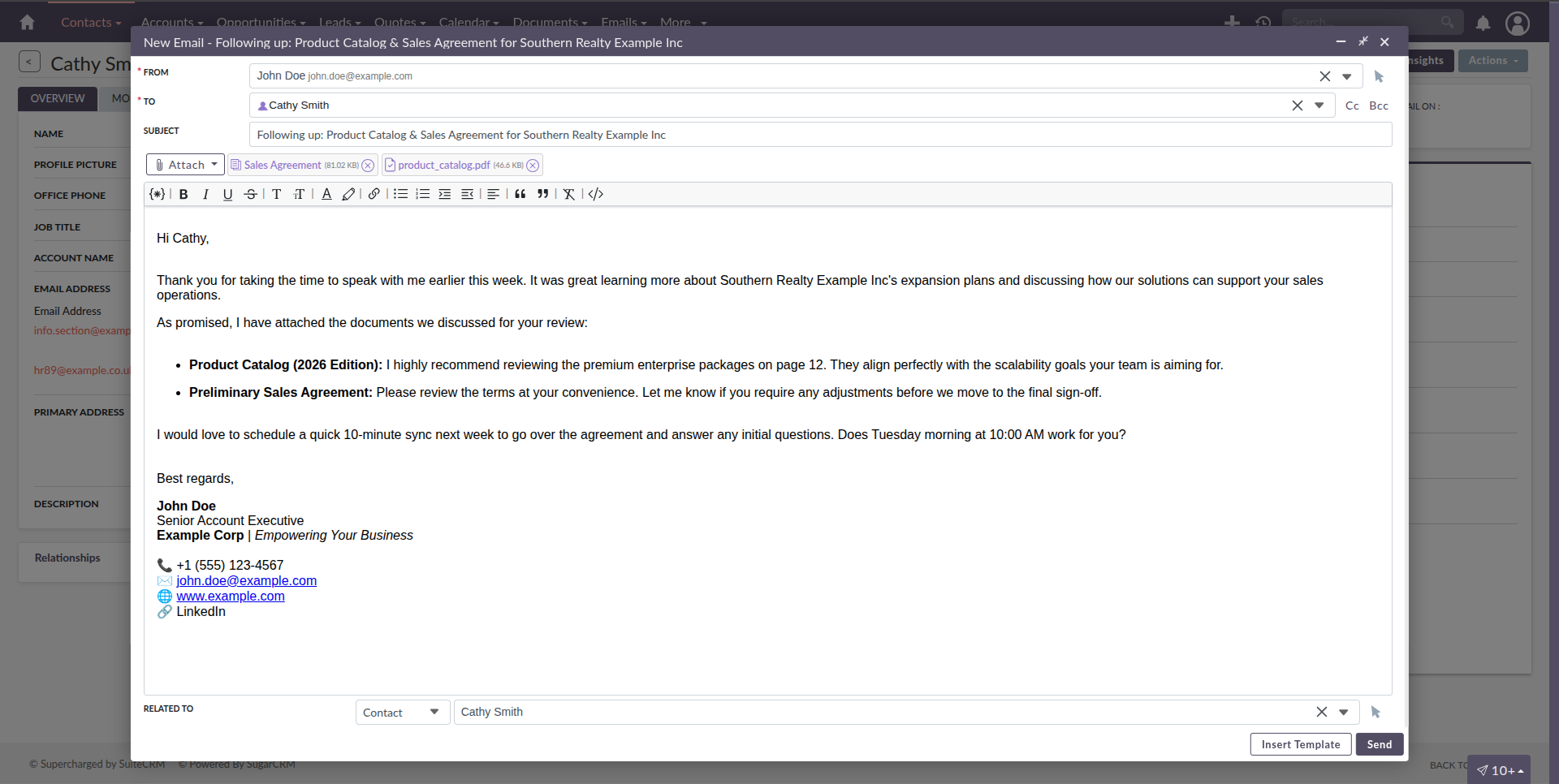
We rebuilt the email composer to give you more room to work. You can expand the composer window when you need more space and attach documents without leaving the window. We’ve also added a new Variable Injector — drop in customer details, deal values, or company names straight from the record without typing a thing.
Drafts are fully supported too. Start an email, save it, and pick it back up whenever you’re ready — nothing gets lost.
For Quotes, Invoices, and Contracts, a new Email PDF option opens a pre-composed email with a generated PDF already attached and content pre-filled from the record. It is a useful shortcut if sending documents is a regular part of your workflow.
Smarter Campaign Error Handling
We’ve added a Paused status to Email Marketing Records. Rather than failing silently when something goes wrong, whether that’s hitting an error threshold or losing an SMTP connection, the campaign now pauses and shows you exactly what caused it. A new Resume action picks up from where it left off, without re-sending to recipients already processed.
You can also configure the number of send retries per recipient and the error threshold that triggers a pause, giving you more control over how campaigns handle failure.
Introducing Image Fields
You can now add image fields to any module through Studio — no custom development required. This is useful for product catalogues, client logos, profile pictures, or anything visual you’d like visible directly on a record.
SuiteCRM handles the performance side automatically, generating thumbnails and lazy loading images in list views and subpanels so things stay fast at scale. Display dimensions are configurable too, so you stay in control of how images appear across the application.
Documents, Notes, and Files
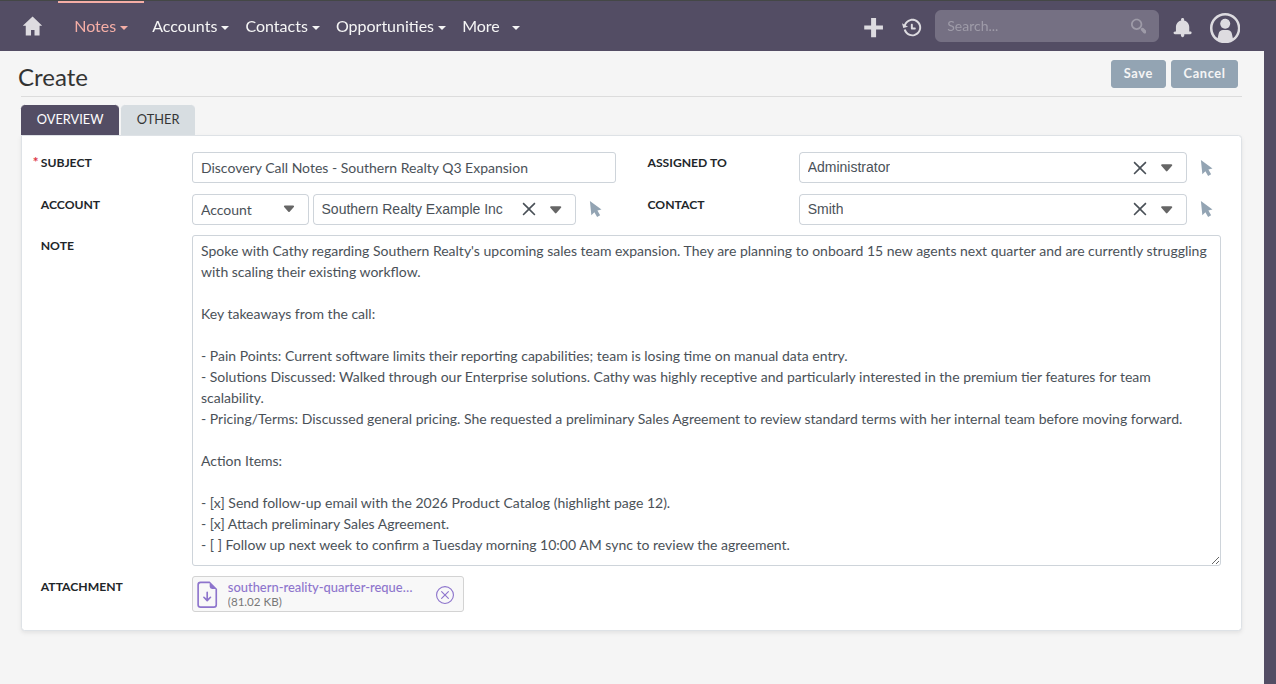
The Documents and Notes modules have been brought into the SuiteCRM 8 UI, giving them a consistent look and feel across the platform.
The Documents module also gets a new Document Revisions widget — add revisions, download files, or remove old versions, all from one place.
File attachments in both modules now use the new File field type, which includes malware scanning support if configured on your instance. File fields can also be added to any other module via Studio, opening up the same capability across your whole CRM without custom development.
Admin and Infrastructure
8.10 introduces Async Tasks — a background task engine built on Symfony Messenger. Large or time-consuming operations are queued and processed by a worker running in the background, so nothing blocks you from continuing to use SuiteCRM while they run. It’s the foundation for how we’ll handle data-heavy operations going forward.
On upgrade to 8.10, Manual Migration Tasks will be available under Administration > Admin Tools > Migrations. These move legacy file attachments across Contacts, Leads, Prospects, Document Revisions, and Notes to the new storage system — running in batches, with real-time progress tracking and the ability to retry any failed items individually.
Also In This Release
This release merges everything from SuiteCRM 7.15, including:
- PHP 8.4 support
- Advanced Calendar Integration & Sync
- Survey Styling Improvements
- Updated Automatic Email Import
- V8 API: OAuth Auth Code Grant
For the full details, see the 8.10 Release Notes.

Download SuiteCRM 8.10
You can download the latest version from the Download and Release Page and begin upgrading right away.

Community Contributions
We would like to thank the following community members for their valuable contributions and continued support. Every contribution helps make SuiteCRM better for everyone:

What’s Next?
We’re committed to keep improving SuiteCRM based on what you tell us. Visit the SuiteCRM Roadmap to see what’s coming up next — and have your say.
Funding the Future of SuiteCRM
Financial support plays an important role in ongoing SuiteCRM improvements, maintenance, and new features that benefit the entire community. If you or your organisation are able to contribute financially, we invite you to support us on Open Collective. Thank you!

Support & Hosting
Beyond financial contributions, you can also support SuiteCRM by choosing services delivered by the team that builds and maintains it. Our support services cover consultancy, training, technical assistance, and feature enhancements, giving you direct access to SuiteCRM expertise. Our hosting services take care of upgrades, backups, and security, so you can trust your CRM is running well without having to think about it.
Every support contract and hosting subscription helps fund the future of SuiteCRM, keeping the platform free and open for the community that relies on it.
Stay Connected
Subscribe to our SuiteCRM Email Newsletter to receive the latest SuiteCRM updates, or follow us on our social media channels to stay informed about new releases and community news.
 |
 |
 |
 |